
Quick links:
- Check Advent of Code for yourself!
- Brief info on what I’ll be doing here
- My Github Repo for AOC
Day 1
Nice warmup puzzle! I also had a moment of clairy with Python that for some reason I didn’t think of before. Normally, if I wanted to check a list by comparing two adjacent values, I’d simply loop over the indices and compare index at i to the one at i+1. And, if the ask was to then compare the last one to the first one (i.e. having essentially a list that loops around), then compare the last value to the first. But actually, since in Python, you can access the values from the end by using a negative index, then comparing all of them is done easier by comparing index at i to the i-1. I know, probably straightforward for lots of people but I only realized it just now!
Day 2
Another very doable puzzle; just one small thing to mention. For part 2, instead of sorting the values to see what order to perform the divisions in, simply taking the max and min gets the same result more nicely.
Day 3
Well, I tried to be clever here by trying to identify which “layer” my number would fall into (a single digit in the center is the 0th layer, then layer 1 has eight numbers around, etc…). Secondly, understand how far away from the center of that particular row or column the number is. Think of it as an L shape: get to the center of the row (or column, depending on orientation), and then straight to center. Here’s the code that I used:
def memory_unpack(square_nr):
    corners = [1, 1, 1, 1]

    # calculate for each outgoing layer the values in the four corners
    for layer_num in range(1, 1000000):
        i = layer_num * 2
        corners = [max(corners) + i * n for n in range(1,5)]

        # this is the layer where our number is at, the square that contains is
        if (i + 1)**2 >= square_nr:
            break

    # find exactly between which two corners the number is
    for two_corners in zip(corners, corners[1:]):
        if two_corners[0] <= square_nr <= two_corners[1]:
            middle = two_corners[1] - layer_num
            break
        else:
            # the first few values in a new square are going to be lower than the min corner
            middle = corners[0] - layer_num

    steps_to_mid = abs(square_nr - middle)

    return steps_to_mid + layer_num
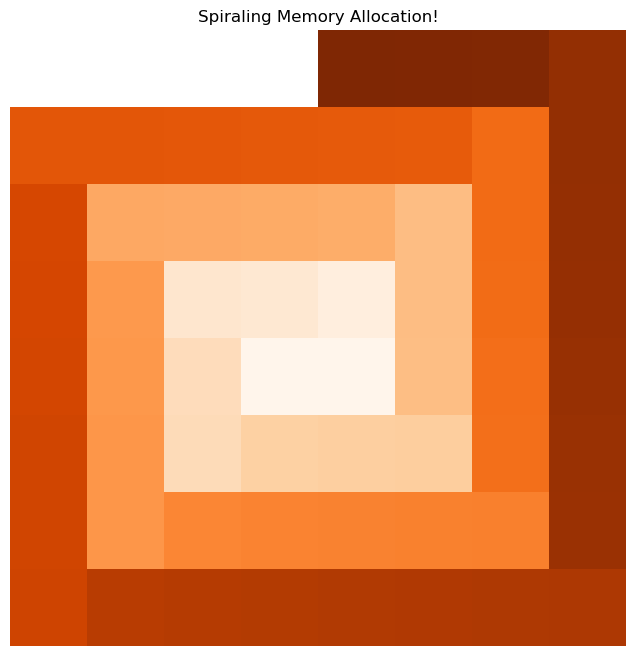
And then part 2 ruined everything and I decided I’ll just be creating the whole damn spiral. Here’s a drawing of the beginning of the spiral logarithmically, for fun!
Day 4
In Python there’s a quite elegant way of checking for duplication by using sets. For part 2, the key is understanding what’s the same and what changes in an anagram.
Day 5
I expected this exercise part 2 to be thrown into an crazy long loop and have to figure out some logic behind it. Nope! Pretty straightforward following the instructions to get it done.
That said, a thing that I initially missed (or didn’t think through) is the fact that both the index, as well as the value at the index need changing. And so since both can’t be done at the same time, there’s a need to copy one to a temp value.
P.s. based on the easter egg comment, I use counterspell on the CPU’s sorcery.
Day 6
Generally speaking, loops are slow in Python. Whenever possible, it’s better to use vectorized operations, which typically means relying on libraries that are built in C/C++.
For this puzzle, instead of constructing a loop to increment one by one, it’s much faster to build an array, figure out how many have to be incremented, and then do it simlutaneously! For part 2, what caused me a bit of a headache was not thinking about the fact that if I just put all numbers in a string, that doesn’t actually represent a unique sequence. Basically, 1, 1, 11 is the same as 1, 11, 1 or even 1, 1, 1, 1 (and for that reason I then needed to separate them with dashes).
Day 7
This one was quite something! Reading part 1, I already knew that I should account for weights, but didn’t. Instead, I found (I think) a pretty elegant way to go through the motions and figure out which node was at the very bottom, using sets, subsets and set differences! All great!
As a result of that, part 2 became somewhat ugly. I needed a separate dictionary to keep up with weights. And even then, since I was eradicating previous states as I went, I needed to regain the initial information to update the correct weight ….
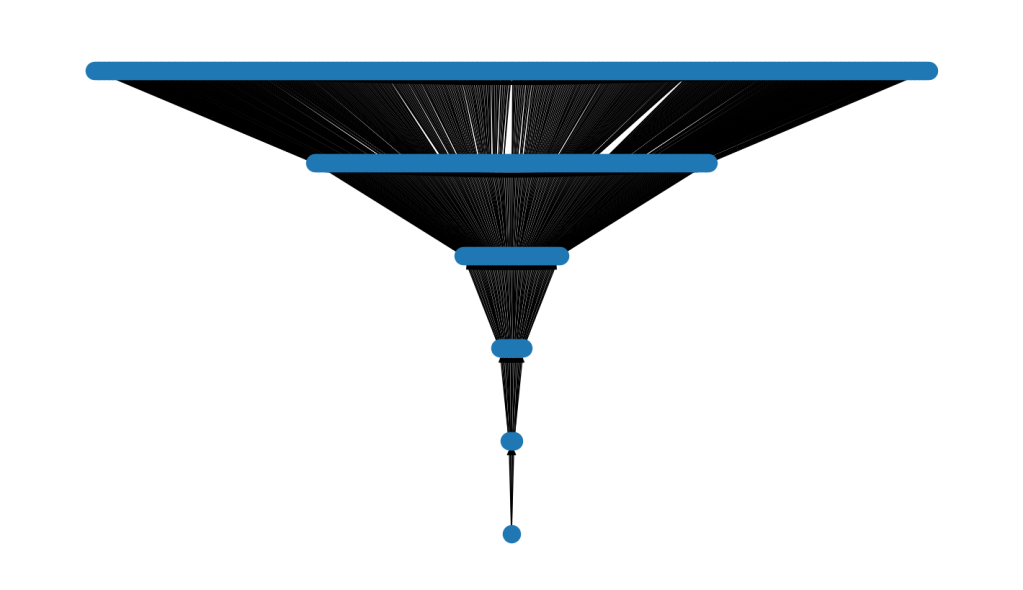
Long story short. I imagine this sort of exercise would be better served to be processed through some kind of graph technique. Which … in the end I made a graph so that I could draw it.
As a final treat, I wanted to visualize it. Initially I used claude.ai because it was late and I was tired. Then I went back and realized everything was wrong (nodes were stacked on top of each other), and so I had to rewrite and redo everything, lol.
Day 8
This one felt like a nice break! Process the logic line by line, instruction by instruction just making sure to program all the different possibilities.
Day 9
I thought of regex immediately … and then right after, I forgot about it. The thing is that this one reminded me of another puzzle in the previous years where I used regex to count the number of open brackets. Here however, in order to use regex, I’d need to count {, but not if inside <, or also if preceeded by !, but not !!, but !!!. Yeah that didn’t seem like a great idea. Much better to simply go one character at a time, skip one in case of a ! and that’s it!
Day 10
Part 1, I thought of a different way of doing it. Instead of wrapping around a list, I am rotating a deque left and right! And then, for part 2, I read and re-read the instructions. This is where in a real world scenario I would ask someone for clarifications. The way I read it is that every single one of the 64 repetitions, I need to re-convert the lengths to ascii, read them in that way, and add the suffix, making the lengths grow each interaction.
That was taking exponentially long (as I expected), but it also wasn’t producing any kind of sensible output to where I might be able to spot a pattern. Went on Reddit, found out that yep, I was wrong in interpreting the text. The lengths only get read once as ASCII and appended the suffix. Then they stay the same forever. ARGH, I felt so dumb when realizing that.
Day 11
Oh fun, we board games now! I do quite appreciate this puzzle as it forced me to think differently. And to be clear – there’s libraries in Python made with this purpose in mind, but I decided to think about how to represent it for this particular use case and landed on:
- vertical moves are whole moves (1 in a direction)
- diagonal are half moves (0.5 in each direction)
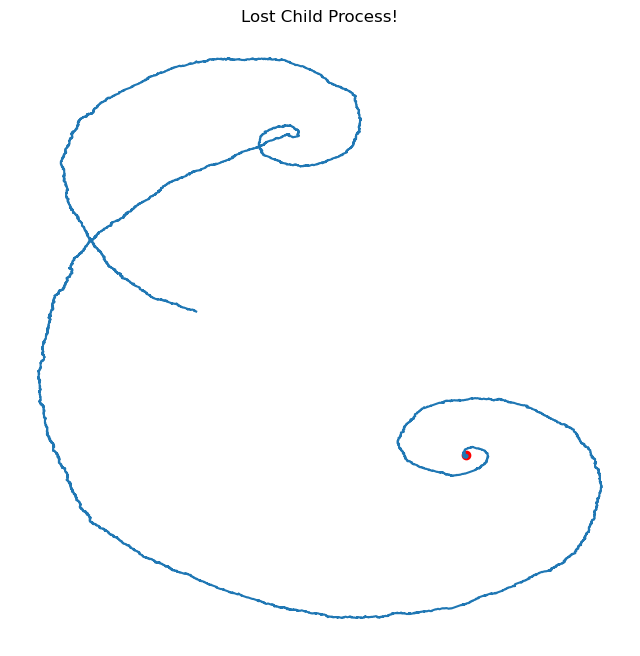
Here’s where the child process got lost (red = starting point):
Day 12
With AOC problems, it’s unclear on what part 2 might present. Sometimes I have a correct hunch and other times not. In this case, the idea I had at first would’ve worked perfectly fine, but I complicated it just a bit thinking I’ll need it for part two.
Basically, I initially thought I’d just turn everything into sets and attempt to overlap them. For example, 2 <-> 0, 3, 4 would be a set {0, 2, 3, 4}. And then 4 <-> 2, 3, 6, since there’s overlap, it would join with the first to become {0, 2, 3, 4, 6}. 1 <-> 1 would not overlap with previous, so that would be a different set of pipes {1}.
The problem was that by using sets I wouldn’t be able to capture the length it took to get from one number to another. I would just know that 0 and 6 are in the same group, but not that it took 2 moves to connect them. So instead, I constructed a dictionary and was then linking them together, one at a time. Still a pretty neat solution I think, but it turns out, totally unneccessary. Oh well!
Day 13
Efficiently checking the timings with different components on a cycle, that’s always fun! The key insight here is to figure out when each firewall would be in its beginning position (the only one that matters, really). And then for part 2, I was a bit surprised at how large the result was (comparatively speaking of course – we’re still only talking a few microseconds here).
Day 14
Not going to lie, this one confused me. That’s because I couldn’t comprehend which part of the algorithm from day 10 to take. What is the actual knot algorithm? So obviously, continuing the confusion from day 10, clearly I’m doing great here!
Long story short, apparently the key is the “lengths”, in this case all sort of alphanumeric characters (instead of just a list of numbers). The initial list of 256 digits is still the same, and so are the appended lengths.
Once I wobbled through that, the rest of part 1 is pretty straightforward. And then for part 2 I went with a simple pathfinding algorithm that checks if there’s any occupied spots nearby in order to get the group.
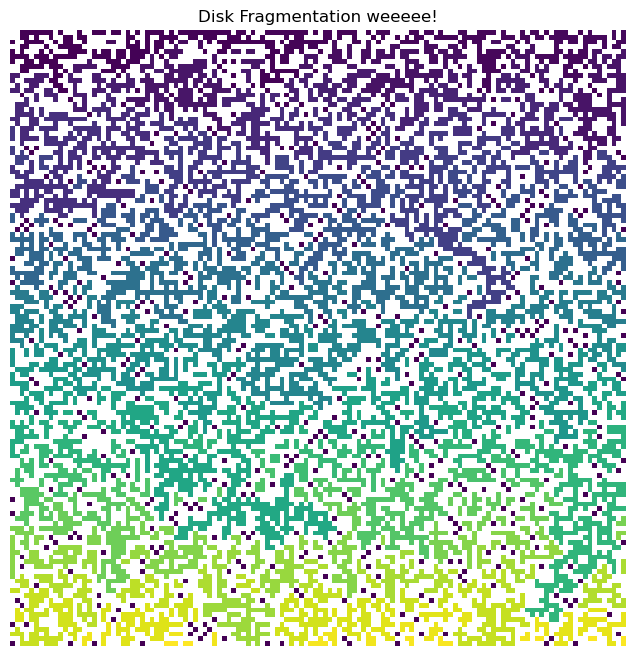
Here’s a wonderful image of the resuls (white space = unocupied, colors represent different group number).
Day 15
Solving it with brute force, this one is pretty straightforward! Just follow the instructions to generate the numbers! I also make some of these problems a bit harder on myself because I want both parts to continue to be solvable with one script. And in this one, it made no sense to first run through 40 million generations and then do another 5 million. Sooo, why not doing both simultaneously?
Also … is the easter egg a Monkey Island reference???
Day 16
This was a fun one! First think of how to rearrange the letters, and for part two, the main insight is to recognize that the dance is cyclical, so figure out the repetition rhythm!
Day 17
The tricky part of this exercise for me was to understand what happens when rotating a deque. Which way to rotate it, as well as how to determine the order of inserted elements. And then for second part, I tried to see how long it would take to just do it without any additional optimizations, and … well, don’t fix what ain’t broke.
Day 18
Since I’m working through the puzzles year by year, assembly (assembunny) is pretty familiar to me at this point. The more complicated part here is how to have 2 programs talking to each other. Luckily, the timing doesn’t matter. I lost an extra 30 min of debugging and scratching my head because of what I called “program two” actually corresponded to the “program one” that the solution was asking for…. Renamed them to zero and one after the fact. Overall, I quite enjoyed this puzzle!
Day 19
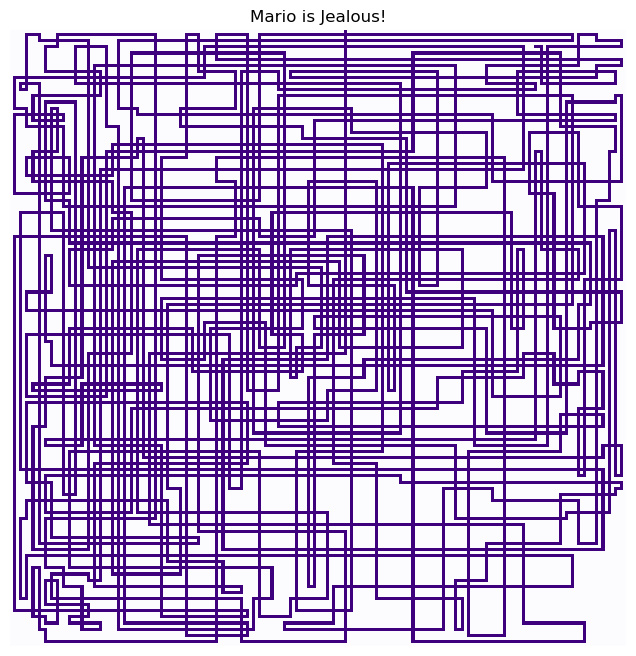
Any time there’s a 2d grid, probably the best option is to turn to using numpy (or similar). Buuut, personally, I don’t want to consistently use the same approach! The tricky thing here is the turn pipes (+) where if it doesn’t go straight, both sides need to be checked. Not too crazy, but a bit of meticulous work!
Also, ha! Great reference to Heisenberg’s uncertainty principle in the easter egg! Packets be traveling fast!
Day 20
There’s a clever way to do part 1 by realizing that all that matters in the long run is acceleration.
For the second part … I really strouggled on how to check for duplicates without having to recreate a dictionary, or loop over it multiple times, or rearrange a list, etc… finally I decided to just go with the tools I use on a daily basisa as a Data Scientist – pandas. And with that, I solved it quickly. Love pandas (both the animal and the tool).
That said, if I truly wanted to “properly” solve this one, I’d have to do some kind of checks to make sure that the particles will never again meet at any point in the future. As is, I simply ran the simulation for 100000 times and called it a day (and then found out that actually, 1000 is enough).
Day 21
This puzzle gave me a lot of headaches. I need to be reading the text more carefully, and also making sure I’m interpreting it correctly! Specifically, the “flip” or “rotate” part. At first I completely failed to implement the flipping part! And then after that, I still wasn’t sure if I could do any amount of flips and / or rotations in any combination! Anyway, pretty complex putting everything together, but once part1 is done, part2 just requires more execution time…. Also … I inverted i and j initially and put the arrays in wrong places! I spent so much time debugging the previous part that I completely forgot I needed to check this too!
On the flip side (heh), I did learn that there’s a 90 degree rotation operation that can be used in Numpy! The more you know.
P.s. tried to do the drawing here and unfortunately doesn’t come up good!
Day 22
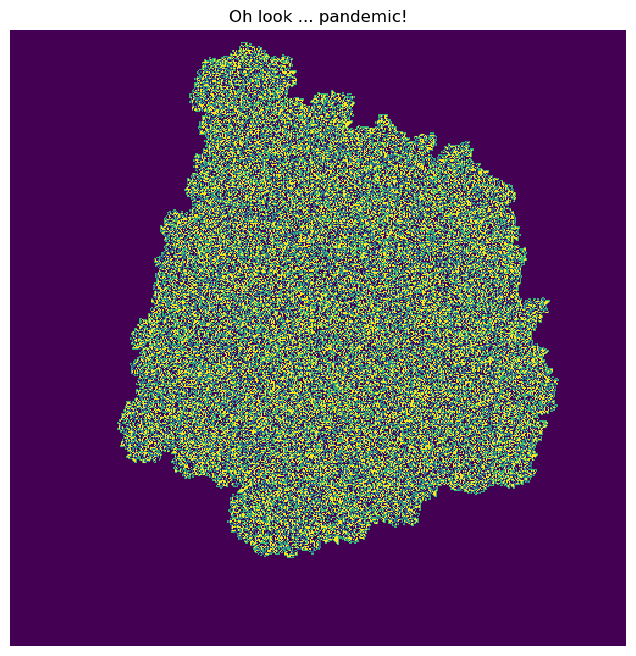
Ah the importance of remembering past work! I really enjoyed this one, and what make it much more easy for me to do is that well, way back when I overengineered Day 1 of Advent of Code 2016… it was super useful here (using a rotation matrix in 2d to change the orientation/direction)! Also, quite the art that the virus produces!
Day 23
I do not like these types of assembly problems. For whatever reason, my brain just refuses to understand it. Maybe I should have written it down to understand part 2. But whatever, after lots and lots of work I just gave up and found a solution (i.e. read online what the program is doing and implemented it).
Day 24
Bridge building is fun! To solve this one, I simply tried to combine all the different building blocks and make sure they match!
Day 25
This one is not too complicated either. Just find a way to parse the instructions and switching between various states and bam, AOC 2017 completed!
 Tomo Umer